Most people never think of the apps they use as AI products. They just notice that the support chat finally understood their messy question, or that the streaming app already had the right show queued up. That's AI doing UX work. Here's where AI shows up in UX now, where it helps, where it goes wrong, and what it asks of design teams.
What is AI in UX design? It is the use of machine learning, natural language processing and related tools to make digital products adapt to the people using them: answering plain-language questions, personalizing content, predicting needs and testing designs at scale. Designers still decide what the product should do. AI changes how fast and how precisely they can do it.
How is AI changing UX design?
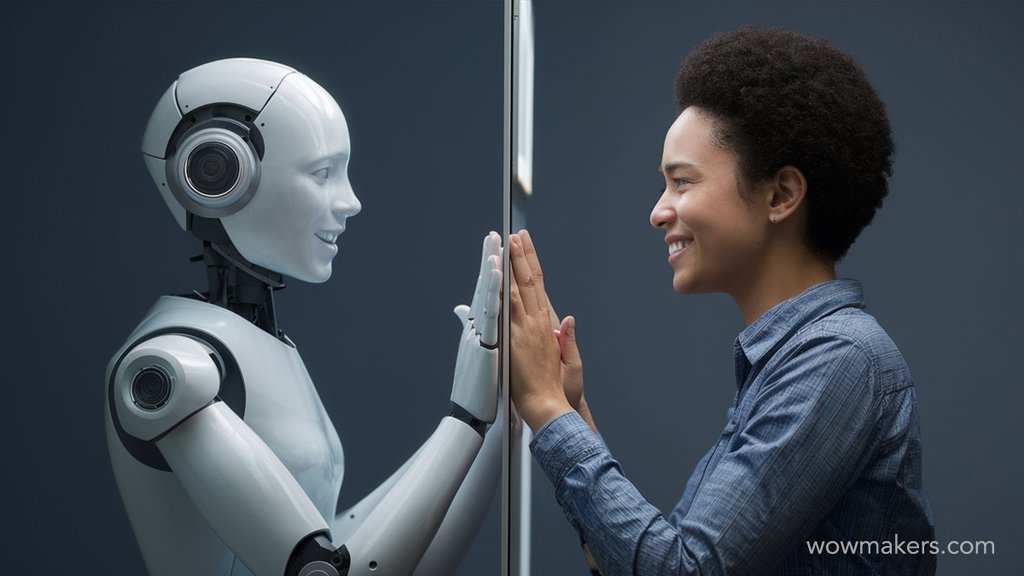
Understanding AI in UX
Under the hood it's mostly machine learning (ML) and natural language processing (NLP), with computer vision in some products. For us, the thing they add is memory. An interface used to stay exactly as it shipped until the next redesign. Now it can learn from the people using it and keep adjusting.
The part we find most interesting is prediction. If a product reads behavior well enough to guess what you'll do next, it can get there first. Designers call this anticipatory design. When it works, the product feels like it was built for you alone. When it guesses wrong, it's just pushy. Knowing the difference is still a designer's call.
The evolution of UX design
Not long ago, UX was almost all manual. You wrote personas by hand. You ran usability tests and heuristic evaluations, then fixed what broke and ran them again. Good process, but slow, and one team could only cover so much. AI now does a lot of that legwork, so the loop runs faster and over far more ground.
Research is where the change shows first. AI can read through datasets nobody would ever finish and find the patterns in them, which makes personas sharper and lets you tailor the experience for each user group. It'll also do wireframing and prototyping grunt work. The saved hours go to the strategic questions, and that's where a product is won or lost.

View all our case studies
Conversational interfaces
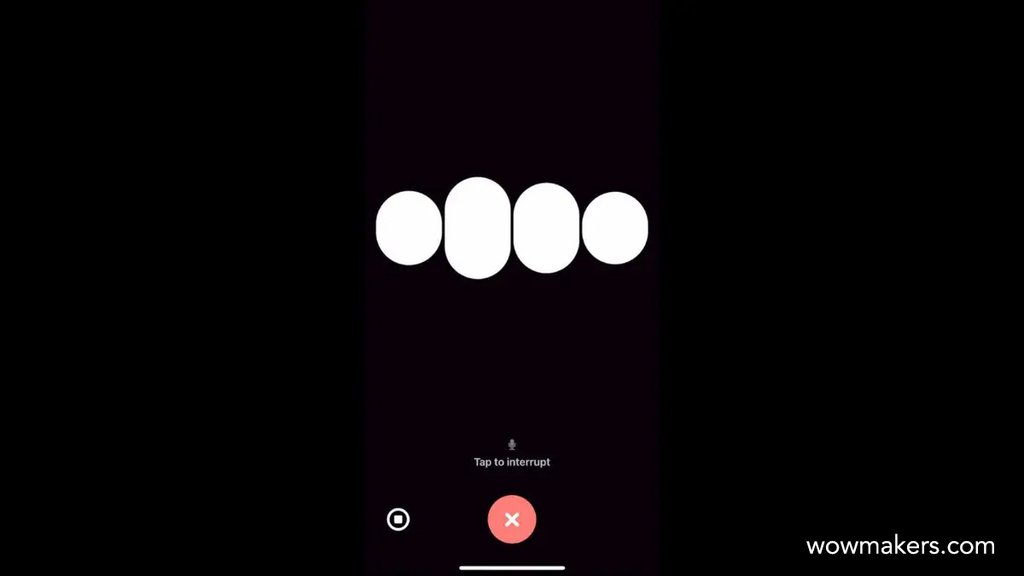
Human-like interaction
NLP is why you can type "my order never came, what now?" and get a sensible reply. It has changed what people expect. Heavy software users now assume a chat interface will follow context and intent, and get the answer right the first time. We'd say that bar is only going up.
The good chatbots and virtual assistants are built on it. They can take a messy, complicated question, catch nuance like sarcasm or the mood behind a message, and answer in a tone that fits. Talking to one feels less like filling in a form. People notice that straight away.
In a big company, NLP clears routine customer service questions and tasks out of the queue. We like this use a lot, because it puts human agents on the tricky cases where they matter, and the person asking where their refund is gets a fast, accurate answer instead of hold music.
Virtual assistants and chatbots
Chatbots and virtual assistants turn up almost everywhere now, from e-commerce to healthcare. At their best they give instant support and personalized recommendations, and use prediction to step in at the right moment. At their simplest they answer frequently asked questions. The ambitious ones run complex workflows end to end, which is harder to design than it looks.
Healthcare shows the range. A chatbot there can tell patients about symptoms and book their appointments, and some even offer mental health support, which is a big responsibility for a bot. In e-commerce it's more of a shop assistant. It walks you through checkout, suggests things based on what you've browsed, and fields your customer service questions.
Personalization and contextual adaptation
Personalized content at scale
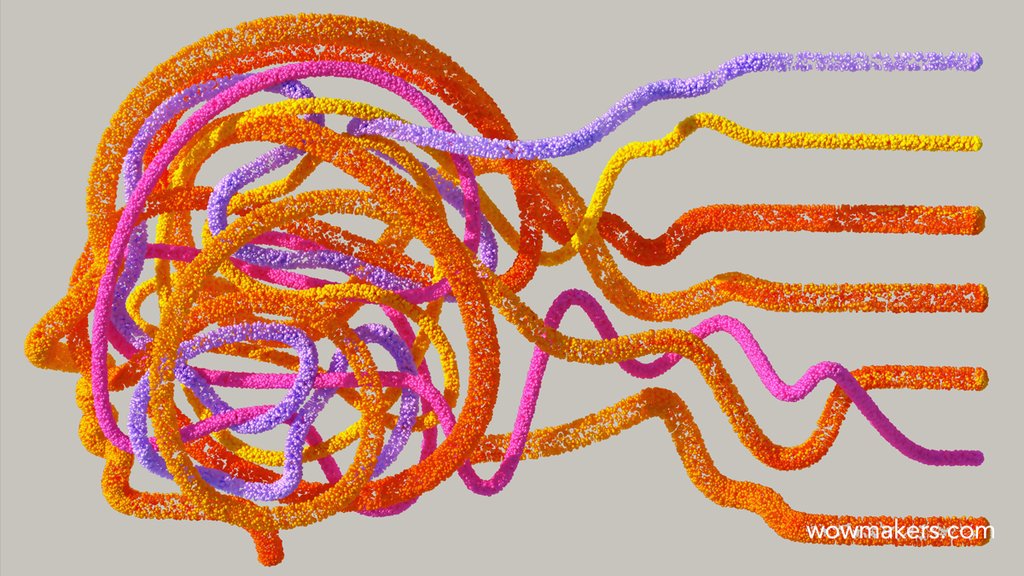
Personalization is behind a lot of the products people genuinely like. AI builds it from what each user likes, what they did last time and the context they're in right now. The good versions go well past a "you might also like" strip and reshape the content for one person. You open the app and it seems to know why you came.
Netflix is the example everyone reaches for, us included. It recommends shows and movies from your viewing history and taste, so there's nearly always something worth a click at 11 at night. News platforms do the same with articles, building each reader's feed around what they follow.
Contextual adaptation
Contextual adaptation is personalization that pays attention to the moment. AI looks at how you're using the product and what device you're on. Location and time of day feed in, and so do your surroundings and, in some products, your emotional state. Then the interface shifts in real time.
Think about a navigation app. If you're walking, you want different routes and information than if you're driving, and a different way to interact with the screen. On public transport you want something else again. A productivity app could work the same way. It might show one set of tools in a meeting and another at your desk, and a lighter view when you're on the go.
Dynamic interface generation
Go one step further and AI starts building the interface itself. The layout gets generated on the fly from real-time data and from whatever the user is doing, so the screen fits the person in front of it. For designers that's a real shift. We stop drawing one fixed layout for everyone and start designing the rules the layout follows.
Picture an online store that reshuffles its product displays around a shopper's browsing history, so the things they care about are up front. Or a healthcare app that builds each person their own dashboard from their health data and activity. Same idea both times: show the information and recommendations that matter to this person, and hide the rest.

Want AI features your users trust? Talk to our UX team.
Talk to a UX expert
Data-driven design decisions

User behavior analysis
User behavior analysis is the unglamorous part. You collect data on how people use the product, such as click rates, session duration and interaction patterns, and then work out what it's telling you. AI can do this at a scale no team could manage by hand. Product managers and UX designers get findings they can act on, and design arguments get settled with evidence instead of whoever talks loudest.
Point it at the data and it shows you the pain points, the screens where people give up. It can also group users by behavior and preference. Then a design change lands on the people who need it rather than everyone at once.
A/B testing and optimization
A/B testing means putting two or more versions of a design in front of real users and seeing which one wins. Done the old way, it crawls, one variable at a time. AI-driven testing automates it and tests lots of variables at once. The answers come back much sooner.
Say you run an e-commerce site. You could test layouts, color schemes and call-to-action buttons together and find the combination that converts best. And since the testing runs on its own, there's no reason to stop after launch. The product keeps improving while you work on other things.
Predictive analytics
Predictive analytics studies historical data and forecasts what users will probably do next. For designers and product managers, it's the difference between patching things after the complaints arrive and designing for a need before anybody feels it. We know which one we'd rather be doing.
The simplest use is predicting which features people will reach for most and putting those within thumb's reach. Prediction can also flag likely trouble early. The team gets to fix it on a Tuesday afternoon instead of after a wave of frustrated users.
Ethics and user privacy in AI-driven UX
Bias and fairness
Bias is the first ethical problem AI brings into UX. Train a model on skewed data and it repeats the skew, so the people on the wrong end get unfair or even discriminatory results. They stop trusting the product, and they're right to. No one-time fix exists. The training data has to be representative and diverse, and someone has to keep testing, monitoring and refining the algorithms as new biases appear.
Hiring tools are the cautionary tale. Build an AI hiring tool carelessly and it can shut whole groups of candidates out. Doing it properly takes diverse training data plus mechanisms that detect and correct bias. And it takes a person who keeps watching the system long after launch day.
Privacy and security
AI needs a lot of data, so privacy can't be left to the legal team alone. Designers have a part in it. That means encryption and anonymization, security that holds, consent people actually understand, and honest policies about what gets collected and why. Done well, this earns trust. Done badly, no feature will win it back.
Health apps are where it gets serious. An AI-driven healthcare app has to store and send sensitive health data securely, and tell users in plain words how that data will be used. Skip that and you lose them. It's also what keeps the app on the right side of regulations such as GDPR and HIPAA, which nobody wants to learn about the hard way.
Transparency in AI decisions
People trust AI more when they can see why it did something, so a good interface explains its decisions and actions in words a normal person follows. The hard call is how much to say. Say too little and it's a black box. Say too much and you've buried people in technical detail. We would err toward one short sentence.
Often one line is enough. A recommendation system can just say a product was suggested because of what you've browsed and what you seem to like. The user sees the logic, and suddenly they're much more willing to believe the recommendations are accurate and relevant.
What's next for UX design and AI?
Collaboration between AI and UX professionals
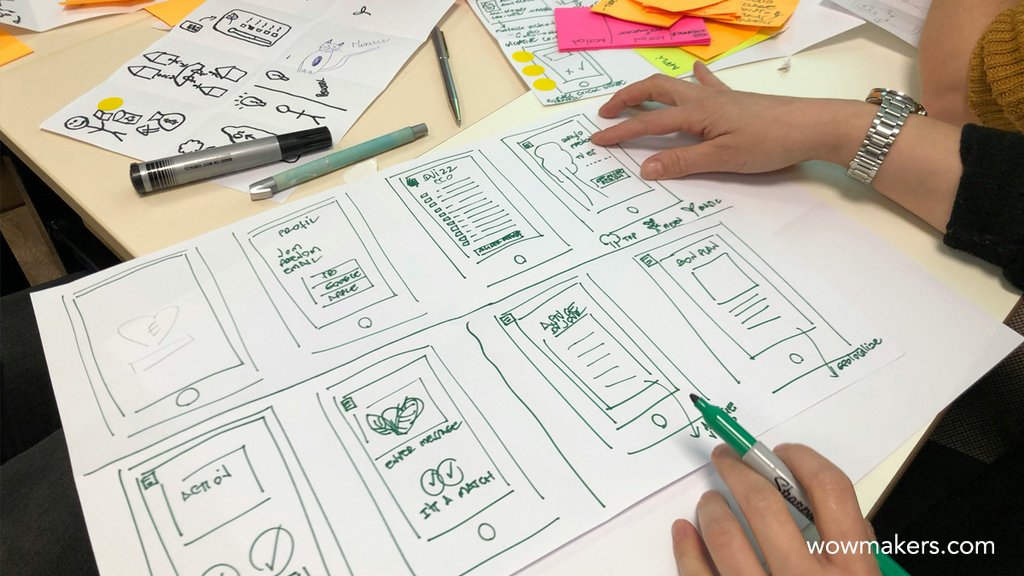
The best results come when AI and designers each stick to what they're good at. AI brings data-driven insight and eats the routine tasks. Designers bring creativity, empathy and a real feel for what users need. The tools make teams faster, and the judgment stays with people.
Day to day, it often looks like a UX designer sitting next to a data scientist with the behavior data open between them, arguing about where the product can get better. The designer turns what they find into clearer, easier interfaces. The data scientist keeps the AI systems learning.
Emerging trends and challenges
Two trends we're watching closely. Emotion detection could let an interface notice how you feel and respond in a more personal, supportive way, which can feel helpful or intrusive depending on the design. Augmented reality (AR) paired with AI can lay real-time information and help over the world in front of you. Both promise immersive, interactive experiences. Neither is solved.
The catch, as usual, is trust. Nobody hands their data to technology they don't believe in, and that belief has to be earned, slowly. Responsible AI practices need to be in place from day one, so the technology is used ethically and user privacy and security stay protected.
Continuous learning
The tools change every few months, so UX/UI designers and product owners who want to stay competitive can't stop learning. Keep up with what's new in AI and UX, and think about where it's heading. Go to the conferences and workshops. Hang around the AI and UX communities; you'll pick things up and have things to share.
Companies have to put money behind it too. Teams need real training and development programs before they can use AI well, not a one-hour webinar. The organizations that pay for that build a habit of trying things and getting better at them, and in AI-driven UX design that habit is what keeps them ahead.
We invite you to explore our portfolio and discover our work
Check Our Portfolio
Conclusion
So AI is changing both how UX gets designed and how people use what we design. We've covered conversational interfaces, personalization, contextual adaptation, data-driven decisions, ethics and what's coming. If one thing ties it together for us, it's that the tools keep getting more capable while responsibility for the experience stays with people. UX professionals, product managers and digital entrepreneurs who use AI responsibly and work together will build better products than the ones who let the model decide.
To decide where AI belongs in your own product, try the SAMR framework, or see our UI/UX design services.
AI in UX design: common questions
How is AI used in UX design?
For research analysis, personalization, conversational interfaces, automated A/B testing and predicting what users will do next.
Will AI replace UX designers?
No. It takes over routine work such as sorting research data and producing layout variations. Judgment about what users need stays with designers.
What are the risks of AI in UX?
Biased results from skewed training data, privacy problems with personal data, and decisions users cannot understand. Each one needs design work, not only engineering.